Successfully installed
Resize images in bulk,
right in your browser
Drag, drop, resize, crop, and convert — all locally on your machine.
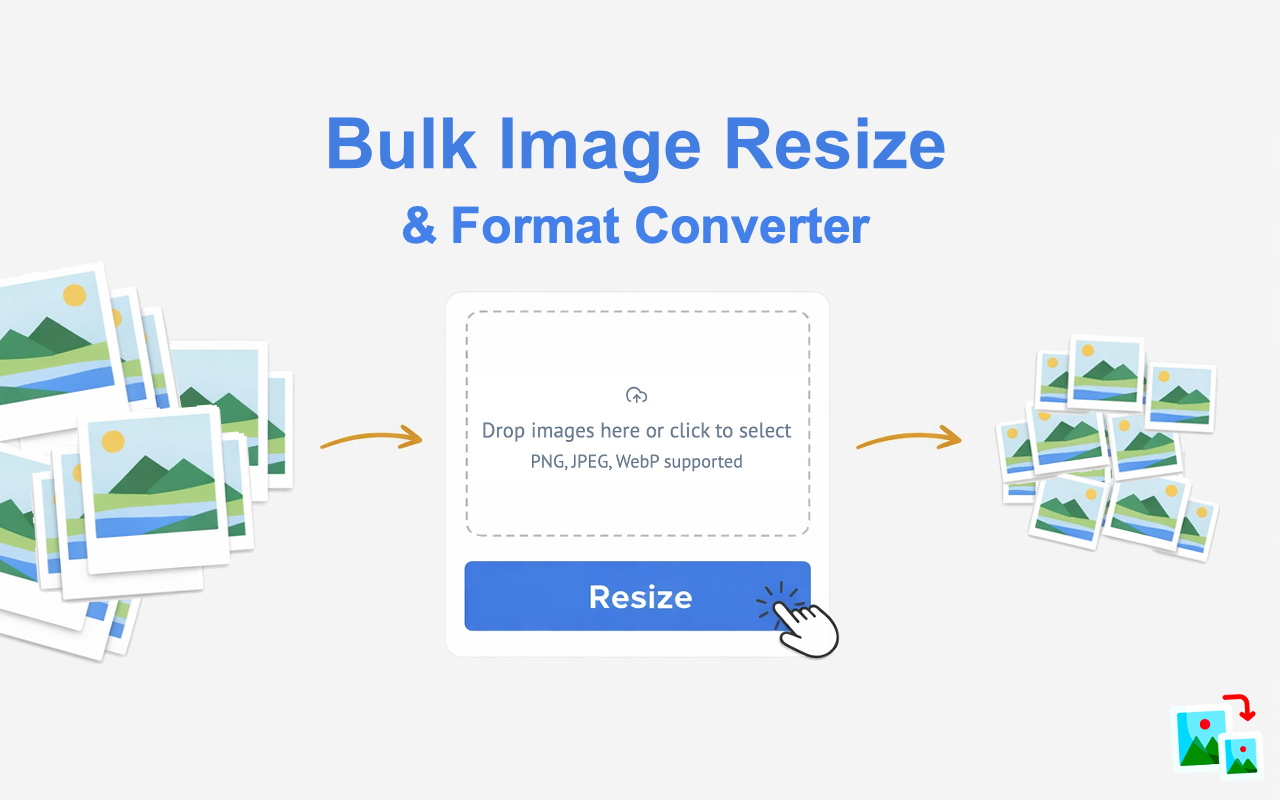
Drag, drop, resize, crop, and convert — all locally on your machine.
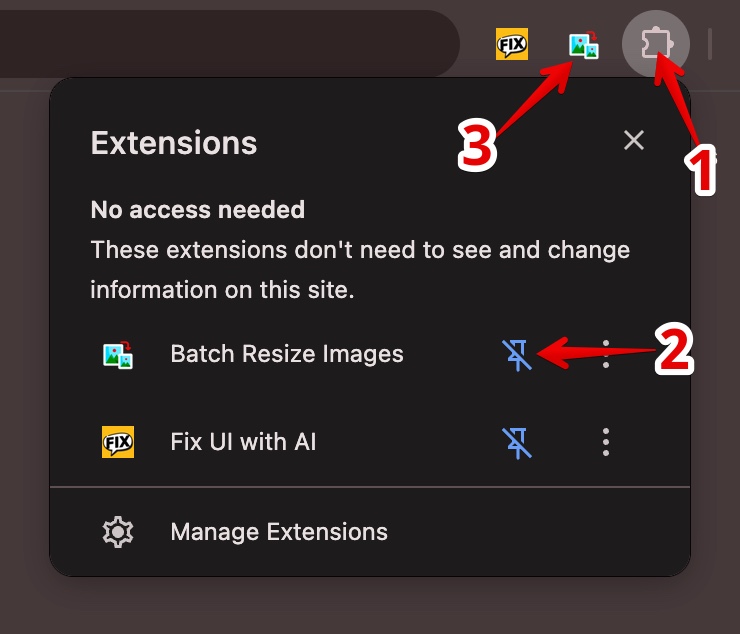
Click the puzzle piece icon 1 in your toolbar, click the pin icon 2 next to Batch Resize Images, then click its icon 3 in the toolbar to launch it.
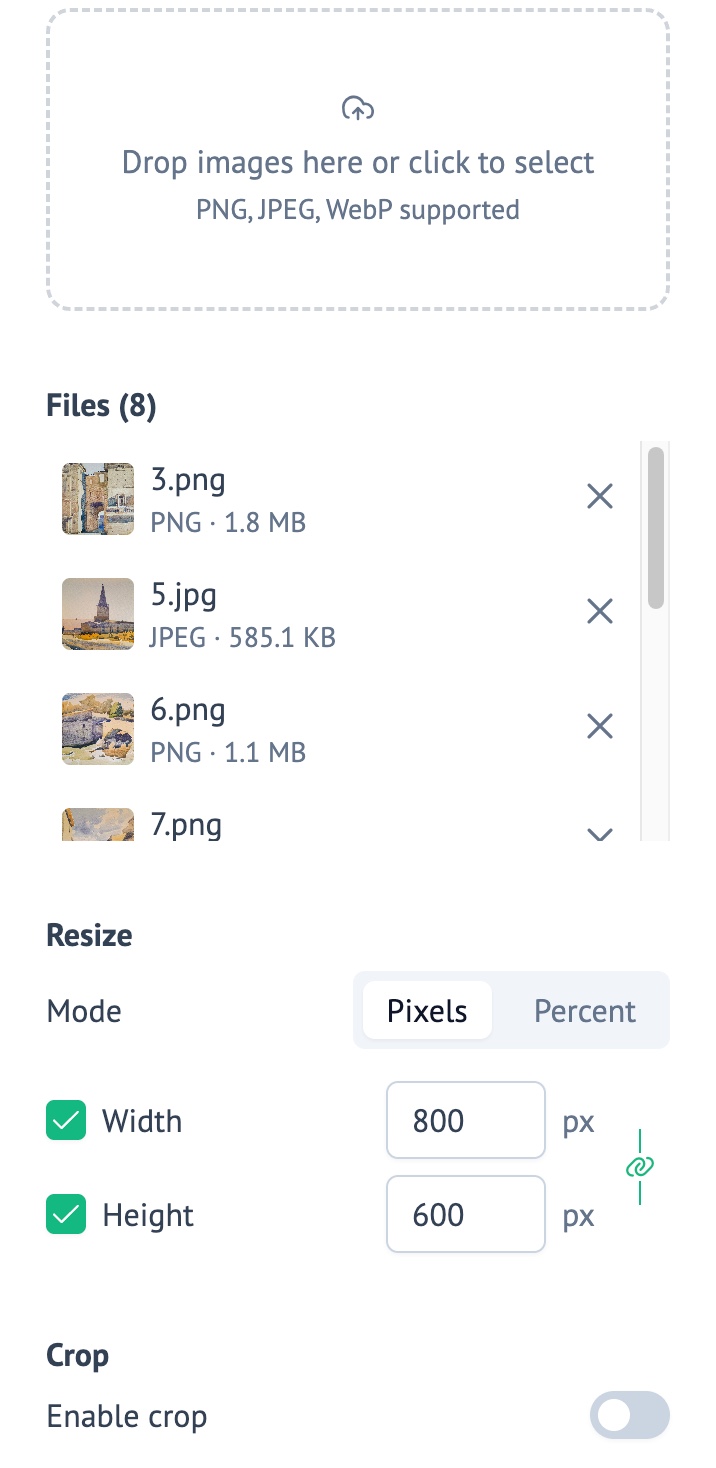
Batch Resize Images opens in a convenient side panel. Drop your images and start resizing instantly.